The IEEE standard for the base PoE switches is 802. 3at for PoE+, and 802. PoE and PoE+ transmit power over two pairs of twisted-pair wires in their cables, while the PoE++ variants use four pairs of twisted-pair wires. The splitter is the silver and black box in the middle between the wiring junction box (left) and the access point (right). The PoE connection eliminates the need for a nearby power outlet. In another common configuration, the access point or other connected device includes internal PoE splitting. Power over Ethernet (PoE) switches combine data and power delivery into a single Ethernet cable, simplifying deployment of devices such as access points, IP cameras, VoIP phones, and IoT equipment. PoE does not reduce network speed, does not waste excessive power when proper cabling standards are. Therefore, everyone is concerned about whether PoE switches will affect speed. Key Benefits of Power over. PoE switches (Type 1) comply with the IEEE 802. 3af standard, which specifies the maximum power delivered over Ethernet cables.
[PDF]
Customise your electrical equipment in a few clicks from our online configurator and generate a quote to make your project a reality. We create high-end electrical equipment from raw material. Made in France since 1976. Discover all the finishes of our collections in 3D and get your prescription. IGOTO supplies European light switches and wall socket to Fortune Global 500 brands, delivering certified, reliable solutions trusted across residential, commercial, and OEM markets. Explore our best-selling European light switches and electric plug sockets in Europe – modern design, multi-standard. With over 55,000 flex7 Lighting Distribution Boxes installed every year there's got to be a reason they're such a popular choice. Every product in our vast range is carefully designed to ensure that it provides the best experience for the user. Our Lighting Distribution Boxes are by no means an. European, British, International Flush Mount Plastic Electrical Wall Box, 35mm deep. Flush Mounts Single Outlets & Switches in Sheet Rock Walls or 1/4"-7/8" Thick Panels. The range of applications extends from pure energy distribution in buildings to building automation and through to industrial plants. SMART DISTRIBUTION BOXES FOR FLEXIBLE BUILDINGS. These switches are designed to meet strict safety standards, including compliance with IEC (International Electrotechnical Commission) regulations and CE.
[PDF]
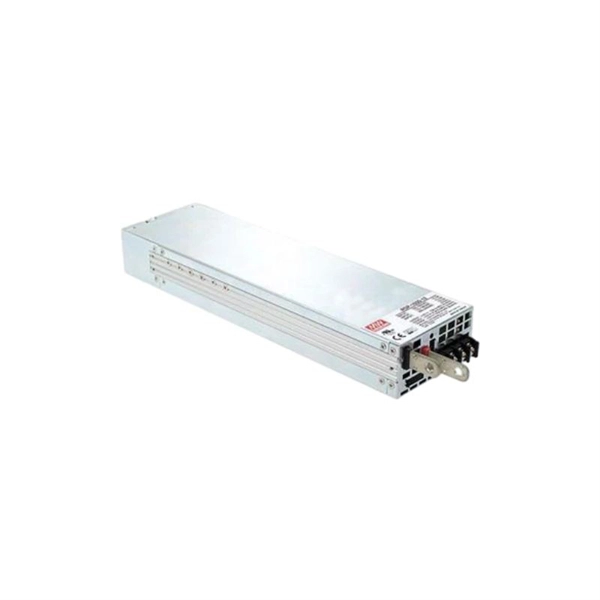
In this guide, we will walk you through the process of setting up a network switch, from selecting the right equipment to connecting and testing the network. Ethernet switches, also called network switches, connect multiple devices via Ethernet cables. In contrast, a router connects your local area network (LAN) to the internet's. A practical, current guide to planning, pulling and terminating Cat6/Cat6A cable — tools, techniques, testing and labeling for reliable results. By Thomas McCormack • Updated Mar 17, 2026 • 12 min read • Lead Technician and Engineer, Data Wire Solutions Disclosure: Some links may be affiliate. With an Ethernet cable, you can hardwire your devices to your network, providing fast and efficient. Your ethernet switch doesn't come with any ethernet cables, so you want to have some on hand when setting up your switch. You'll need one cable to connect your ethernet switch and router together (assuming you want to provide your devices with an ethernet connection to the internet), and an. A network switch is a crucial component in any modern network, enabling seamless communication between devices. By the end of this tutorial. Connecting a network switch involves physically connecting devices using Ethernet cables and configuring them as needed, ultimately expanding your network connectivity and improving network performance. Connecting a network switch is a foundational skill for anyone managing a home or small business.
[PDF]
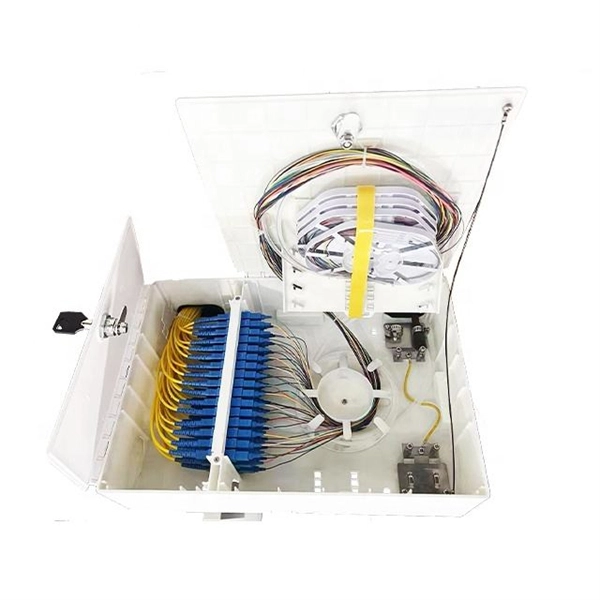
To configure and manage AAA servers, complete the following steps. Select Administration > Admins and Roles > AAA. SSH Authentication: Enable the option for secure authentication. Telnet Authentication: Enable the option to. Authentication provides a method to identify users, which includes the login and password dialog, challenge and response, messaging support, and encryption, depending on the selected security protocol. Authentication is the way a user is identified prior to being allowed access to the network and. Selects the type of security access: local Authenticates with the manager and operator password you configure in the switch. tacacs Authenticates with a password and other data configured on a TACACS+ server. 1X, MAC RADIUS, and captive portal as an authentication methods to devices requiring to connect to a network. You can control access to your network through a Juniper Networks EX Series Ethernet Switch by using authentication. In this guide, we are going to enable AD authentication on network switches and routers. The workhorse will be the Network Policy Server role in Server 2012/R2. After our server configuration, we will then configure our switches to point to our NPS (RADIUS) device and change their authentication. Network Admission Control (NAC) implements authentication, authorization, and accounting on device administrators and access users, ensuring the device and network security. Both RADIUS and HWTACACS use the.
[PDF]
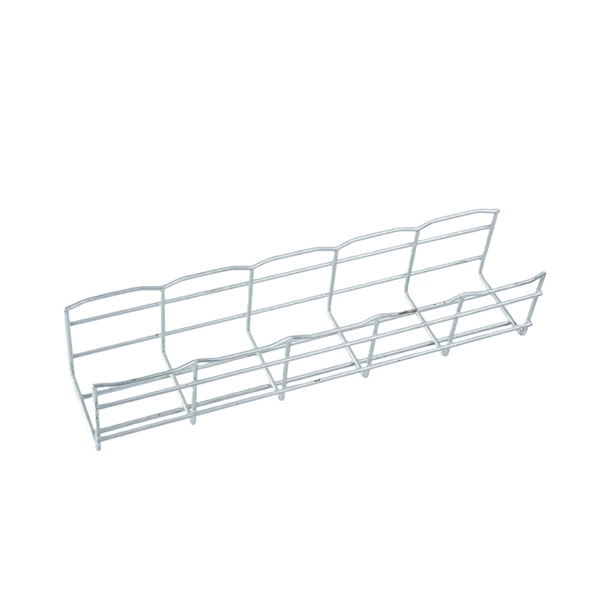
Frequent status changes from up to down or vice versa in the ports logged by the switch port syslog indicates a port flap. On a big industrial plant we've replaced an old HP switch with a brand new couple of C2960x switches in stack configuration and ever since then, every 6/8 hours or so, the two fiber optics links of switch #2 go down at once. These are connected to a ring of 3 similar other access switches, that. EX4650 2-switch virtual chassis, running version 19. 2, optic p/n 740-031981 (SFP+-10G-LR) is plugged into port xe-0/0/10 and connected to an ISP via single mode fiber. Nothing special is configured on the port, it is running at 10G speed, show interfaces diagnostics optics shows that it's. This article describes steps to diagnose the Continuous port flapping on a FortiSwitch. Verify Cable Connection: Ensure the cable is properly connected between the switch port and the end device. Run the command below on FortiSwitch multiple times and check the. Real head scratcher this morning that I'm hoping someone can help me with! The port on our core switch (HP A5500) that our Smoothwall box is connected to keeps going up and down. Port flapping, also known as link flapping, causes a switch port's state to fluctuate between up and down within concise periods of time. This instability caused by flapping ports affects network connectivity. Port flapping is a common network issue that can disrupt communication between devices and degrade overall network performance.
[PDF]
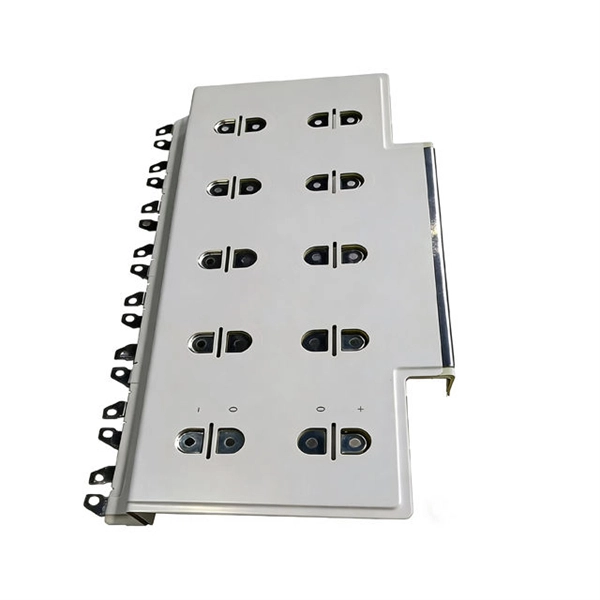
Quick Answer: To check CPU utilization on a Cisco switch, use the command “show processes cpu” in the CLI. This displays current CPU load, CPU usage history, and process-specific details, aiding in network performance troubleshooting. The CPU becomes too busy when either an IOS process consumes too much CPU time or the CPU receives too many packets from the switching hardware. When either of these two CPU consumers requires the CPU resource to the detriment of the other, then the CPU is too busy. For instance the CPU is. High CPU utilization on Cisco switches can lead to degraded network performance, packet loss, and even switch failures. Identifying and troubleshooting the root cause of high CPU usage is essential for maintaining a healthy network. In this article. I noticed that after having VLANs, ClearPass, spanning tree, and all other settings configured, that CPU util was just sitting at or above 85% on all these switches. I updated firmware to the latest version on all of them, but that didn't help. Problem analysis process 1. According to the switch logs, after searching for related processes, we can find that the. my switch core has high CPU usage every 3 minutes, switch logs attached. Do the outages/CPU spikes occur at the same time as the log entries appear such as : 00828 lldp:. Thank you, Fix the problem indicated.
[PDF]
The system in this example contains the following elements: 1. 2 Pseudo-random Bit Stream (PRBS) block 2. 2 NRZ Pulse Generator (NRZ) 3. 1 CW Laser (CWL) 4. 3 1x2 Fork (FORK) 5. 2 Electrical Not Gate (N.
[PDF]
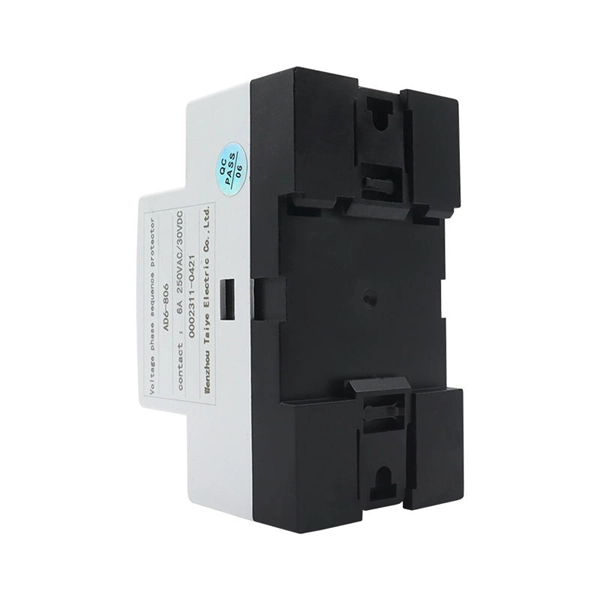
This document describes all the configuration commands of the device, including the command function, syntax, parameters, views, default level, usage guidelines, examples, and related commands. It can be used to gather data from Huawei switches, such as interface statistics, VLAN information, and system details. SNMPCheck: SNMPCheck is an. Huawei's comprehensive portfolio of products and solutions enables you to realize smooth digital transformation and rapid growth of virtualization, Big Data, and cloud services. Huawei switches already help customers achieve success in industries such as finance, Internet, retail, education. Huawei CloudEngine S5755-H series switches are high-quality gigabit access switches that provide 24 or 48 10/100/1000BASE-T downlink ports, four 25GE plus two 100GE uplink ports, and expansion card slots. By leveraging Huawei's unified software platform, CloudEngine S5755-H series creates a. They offer multiple models, such as those with twenty-four GE electrical ports, twenty-four GE optical/electrical hybrid ports, and forty-eight GE optical ports. These switches feature service processing capabilities.
[PDF]
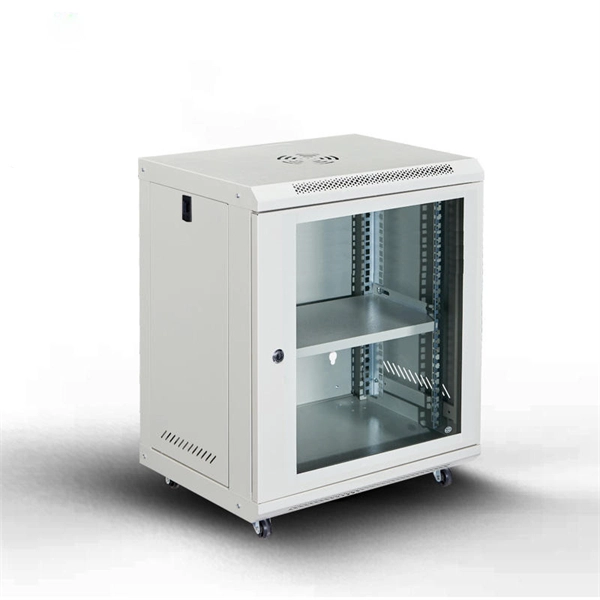
If you're asking how to choose hotel switches and sockets, focus on models designed specifically for commercial hospitality use, not standard residential units 1. These typically offer better longevity, vandal resistance, and centralized control compatibility. These systems let you decide who can access specific areas like guest rooms, staff zones, or storage areas. They replace traditional keys with more advanced options like cards, fingerprints, or mobile apps. Choosing the right door access control system doesn't have to be complicated. Here's how to. Hotel access control systems come in many varieties, but choosing the right one can be difficult. Finally, we will describe how to choose the right type of access control system for your hotel according. In real deployments-hotel rooms, dorm rooms, wards, apartments, small offices-the AP usually gets pinned by one of these: This guide is built around those constraints. What "wall-plate AP" actually changes? A wall-plate AP isn't "just a normal AP mounted lower. Finally, we will look at how you can decide upon the correct.
[PDF]
In Canadian service entrance panelboards the main switch or circuit breaker is located in a service box, a section of the enclosure separated from the rest of the panelboard, so that when the main switch or breaker is switched off no live parts are exposed when servicing the branch circuits.OverviewA distribution board (also known as panelboard, circuit breaker panel, breaker panel, electric panel, fuse box or DB box) is a component of an that divides an electrical power feed into subsidiary. North American distribution boards are generally housed in enclosures, with the positioned in two columns operable from the front. Some panelboards are provided with a door covering th. This picture shows the interior of a typical distribution panel in the United Kingdom. The three incoming phase wires connect to the busbars via a main switch in the centre of the panel. On each side of the panel are two.
[PDF]
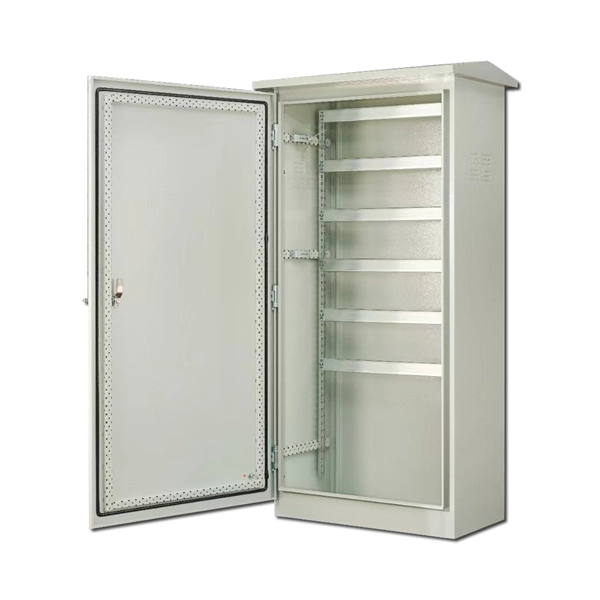
Search results of Top 4 Cabling and Fibre Optics Companies in Madagascar, near me. Listings are verified with accurate business information. Last updated Apr 2026 Unlock the full database with advanced filters and visible emails inside Data Hub — Free Trial available. Electro Standards Laboratories, 3. Zhongshan Meisu Technology Co. What Is a Fiber Switch? What Is a Fiber Switch? A fiber switch is a specialized device for managing optical signals in fiber optic cables. It. Structured cabling is the passive infrastructure that supports the transmission of data, voice, and video signals in a building or campus. It consists of various components, including twisted pair cables, fiber optic cables, and cable accessories. Twisted pair cables are the most common type of. SP Madagascar is a leading procurement, supply and logistics and managed service solutions to industries across Madagascar. Our greatest asset for supply is that we can reach out in-country and internationally to ensure our client base is serviced to the highest standards. We have over 15years of. Post one enquiry and contact the Premium Suppliers and Exporters for Free!. Get Quotes from qualified Suppliers only. Unleash the power of the Internet. Send One enquiry to contact All. Moreover, its Free! - Try Now - Not a Buyer? Want to Sell? Join Now to contact buyers. Our catalog includes 106,450 manufacturers, 20,791 distributors and 94,627 service providers. Our international database.
[PDF]
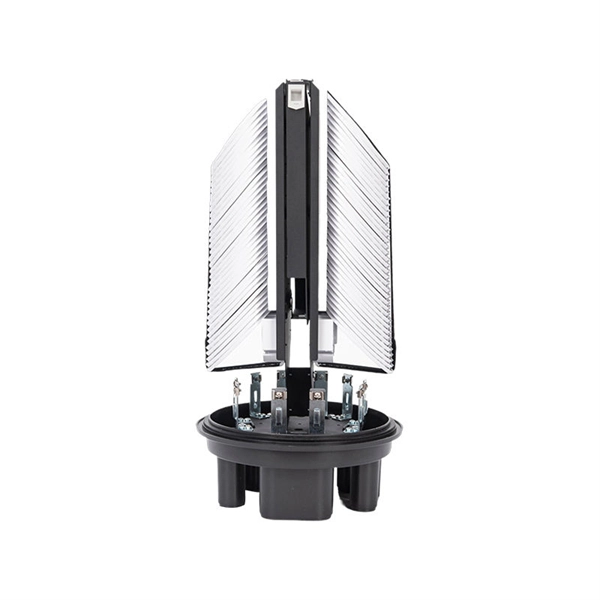
In this video we will learn how to configure cisco core switch active active using HSRP step by step. In this LAB we practice on creating vlan, distribute vlan to other switch in our network, creating interface vlan and assign IP address for layer 3 routing, and. more. Follow these simple best practices to set up a new network switch. And this process is a little more advanced than, say, setting up your home Internet or even a plug-and-play type switch. But, with the right guidance. Although a Cisco switch is a much simpler network device compared with other devices (such as routers and firewalls for example), many people have difficulties to configure a Cisco Catalyst Switch. Unlike other lower class switch vendors (which are plug-and-play), the Cisco switch needs some. Looking to configure a Cisco switch for the first time? If the answer is YES, you're in the right place. You're going to configure: SSH access with local AAA authentication. Cisco switches are used in both small and large networks to manage traffic, control access, and provide the infrastructure for local area networks. What configuration does a core switch have? EXTENSIBILITY SHOULD INCLUDE TWO ASPECTS 1. The slot is used to install various function modules and interface modules. more In this video we will learn.
[PDF]
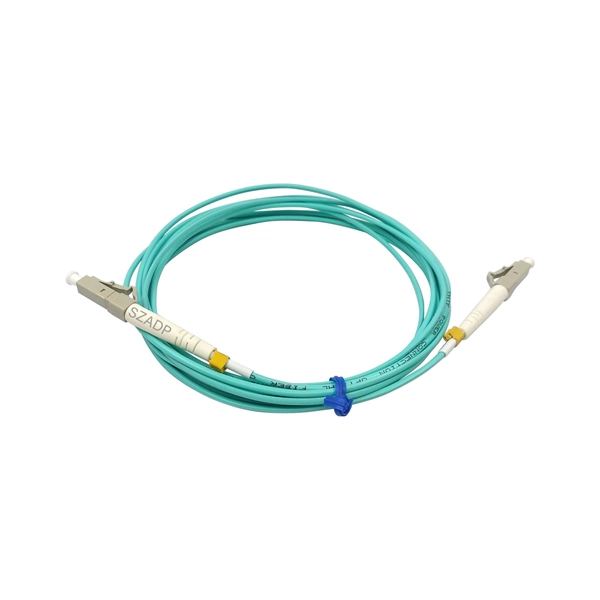
In this article, I'll walk you through the setup, configuration, and successful implementation of VLANs and trunking across multiple switches. Each department's devices are connected to their respective access ports on the switches. One switch can control them all, or any switch can be independently managed. No switch has to be. This chapter describes how to configure your network to perform IP Multilayer Switching (MLS). This chapter contains these sections: For a complete description of the commands in this chapter, refer to the the Cisco IOS Switching Services Command Reference. To locate documentation of other commands. Recently, I built a multi-switch VLAN network in Cisco Packet Tracer, connecting different departments while ensuring seamless communication within VLANs. Multiple switch ports can be configured for the same VLAN ID. In Dashboard, navigate to Switch > Configure > Switch Ports. Check the boxes next to each port to be updated. To save time use the ' interface range ' command. Be aware this command is only available on devices running IOS versions newer than 12. A managed switch offers greater control and flexibility compared to an unmanaged switch, allowing for advanced configurations and optimizations to meet specific networking requirements.
[PDF]
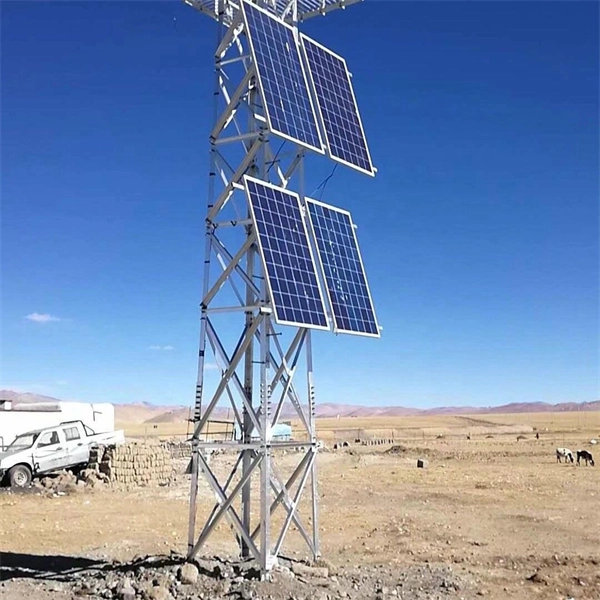
The short answer is no - RJ45 connectors are designed for electrical Ethernet signals, while fiber optics transmit light pulses through glass or plastic. However, modern networks often combine both technologies. A combo port, also known as an optoelectronic multiplexing interface, is a photoelectric composite port with two kinds of Ethernet interfaces (RJ45 port and SFP port) on an Ethernet switch. In other words, it is a compound port that can support two different physical layers and share the same. Optical ports on switches typically require the insertion of optical modules for data transmission over fiber optics. However, these two different physical ports can not be used at the same time. If you wake up the RJ45 port, the corresponding SFP port will. Ensuring seamless interoperability and compatibility between optical transceiver modules and network devices is crucial for maximizing network performance, reducing downtime, and controlling operational costs. This guide dives deep into the core aspects of optical transceiver compatibility, common. SFP (Small Form-factor Pluggable) is a compact, hot-pluggable network interface module used to connect network devices (switches, routers, firewalls) to fiber optic or copper cables. Think of it as the “translator” for your network equipment, converting electrical signals into optical signals.
[PDF]
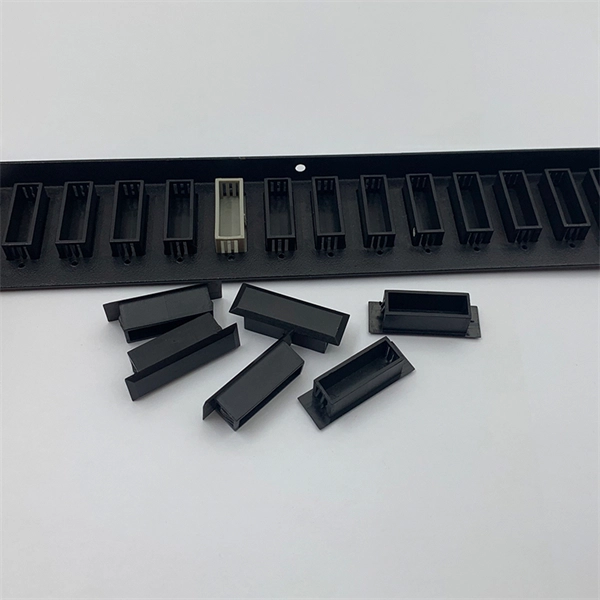
Yes, all Ethernet switches require electrical power to operate. Here's why: Active Electronics: Switches contain chips, processors, buffer memory, and power circuits that process and forward data. Power over Ethernet (PoE) is technology that passes electric power and data over twisted-pair Ethernet cable to wireless access points, IP cameras, and VoIP phones. This eliminates the need for separate power adapters, reducing cable clutter and. An Ethernet switch is a network device that connects multiple devices (computers, printers, servers, cameras, Wi‑Fi access points, etc. ) via Ethernet cables, enabling them to communicate over a Local Area Network (LAN). Unlike simple hubs that broadcast data to all ports, switches create a direct. Power Over Ethernet (POE) is a technique used for building wired Ethernet local area networks (LANs) which use Ethernet data cables instead of normal electrical power cords and wiring to carry the electrical current required to operate each device. Instead of needing separate power plugs for devices like cameras or sensors, a PoE switch powers them up while connecting them to the. PoE switches simplify this chaos by delivering both power and data through a single Ethernet cable, making installations cleaner and more efficient. They power essential devices like security cameras, access points, and VoIP phones without the need for extra wiring. This guide breaks down how PoE.
[PDF]