The first step to finding the right KVM switch is taking inventory of what you'll use it with: specifically, the number of computers, monitors, and additional peripherals, such as a keyboard and mouse. Yo.
[PDF]
Setting up a KVM switch for dual monitors with both a laptop and a desktop is a straightforward and empowering experience. Now that I've guided you through the entire setup process, it's time for you to dive in and try it yourself. A KVM switch (with KVM being an abbreviation for "keyboard, video, and mouse") is a hardware device that allows a user to control multiple computers from one or more sets of keyboards, video monitors, and mouse. Switches to connect multiple computers to one or more peripherals have had multiple. A KVM switch allows you to use one set of peripherals to control multiple computers, making it easier to switch between them without having to unplug and plug in cables. There are different types of KVM. Desktop KVM switches are compact devices that allow a user to access two, four, eight, or 16 computers from a single user console eliminating the need for extra peripherals, while providing faster access to critical applications. This can be particularly beneficial when there is insufficient room for multiple monitors and keyboards, such as in a server room. So what you need is an HDMI Switcher box, like the one I have here, the name is AV Access 4K HDMI KVM Switcher and just like the name says, it allows you to switch from one device to another by the push of a button. And not only that, if you're using multiple computers or devices that use mouse and.
[PDF]
For each laptop, PC, or game console in the setup, you shall connect both their video out and USB port to the KVM switch. For each system, the ports are grouped and numbered. Put each cable in the rig.
[PDF]
A KVM switch is built as a box in metal. For most designs, there are ports for the USB host, video inputs and outputs on the back panel, and a USB hub and switch buttons on the front panel. In simple terms, a KVM switch allows you to switch between different computer sources (or computer cases) while still using the same keyboard, monitor, and mouse; in fact, that's what KVM stands for: Keyboard, Video, Mouse. That means if you have several PCs you need to work with, you don't have to. KVM switch connects more than one PC with a single keyboard, monitor, and mouse. It enhances efficiency, saves your space, and brings down costs. This simple yet powerful device lets you control several computers using just one set of peripherals. In this article, we'll explore what is a KVM switch, its functionality, and its benefits for both work and gaming environments. We'll also provide tips on selecting the ideal KVM. A KVM switch (with KVM being an abbreviation for "keyboard, video, and mouse") is a hardware device that allows a user to control multiple computers from one or more sets of keyboards, video monitors, and mouse.
[PDF]
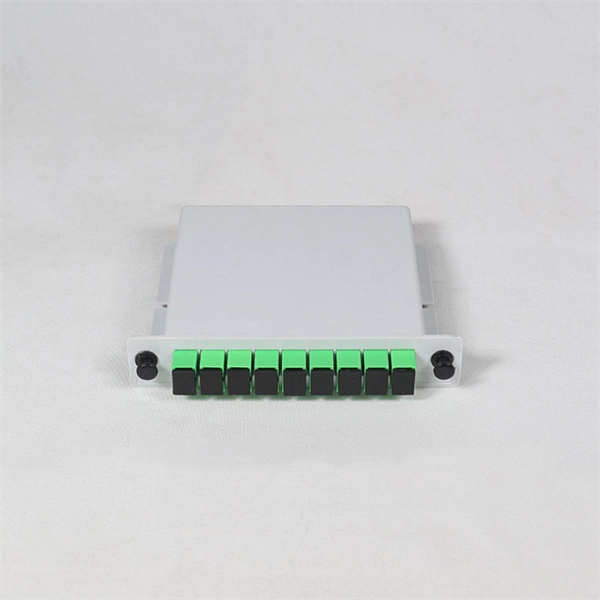
The SFP optical module is a standardized, modular assembly designed to be quickly installed or removed from a device's port without requiring the device to be powered down. This key feature—being hot-pluggable —is essential for simplifying network maintenance and minimizing downtime. SFP (Small Form-factor Pluggable) is a compact, hot-pluggable network interface module used to connect network devices (switches, routers, firewalls) to fiber optic or copper cables. It converts electrical signals into optical (or copper) signals and vice versa. An SFP transceiver acts as a compact, hot-swappable optical transceiver that. An SFP switch uses Small Form-Factor Pluggable (SFP) modules to form a network switch for high-speed connectivity between devices. These interchangeable modules support various media types, including copper or fiber-optic cables, providing flexible networking options based on specific requirements.
[PDF]
In this video, we'll guide you through the process of configuring a Huawei Switch for your network. Whether you're setting up a new switch or optimizing your existing network infrastructure, this step-by-step tutorial will help you get the job done efficiently. This document provides campus networks typical configuration examples and feature typical configuration examples. "Campus Networks Typical Configuration Examples" provides typical campus network networking modes and a variety of deployment examples. This document is for switches running V200R003C00 and later. In this video, we'll guide you. Saving Configuration: Save changes to make the configuration permanent: Checking Settings: Use commands like display user-interface console 0 to verify correct configuration. Exiting the Device: Log out of the device after completing the configuration. Enabling Telnet Service and Granting Access on. The Combo interface, also known as the optical-electrical multiplexing interface, consists of two Ethernet ports (one optical and one electrical) on the device panel, and there is only one forwarding interface inside the device.
[PDF]
PoE delivers 44-57v of DC power over unshielded twisted-pair wiring for terminals consuming up to 25 watts, depending on the version of the standard in use. Power over Ethernet (PoE) describes any of several standards or ad hoc systems that pass electric power along with data on twisted-pair Ethernet cabling. This allows a single cable to provide both a data connection and enough electricity to power networked devices such as wireless access points. Imagine powering your entire network infrastructure through the same cables that carry your data, eliminating the need for separate power supplies and electrical outlets near every device. This isn't a futuristic concept—it's the reality that power over Ethernet has made possible since 2003. While PoE doesn't add Ethernet data capabilities, it does offer expanded options for how and where Ethernet end devices can be. Power over Ethernet is a technology that allows IP telephones, wireless LAN Access Points, security network cameras and other IP-based terminals to receive power, in parallel to data, over the existing CAT-5 Ethernet infrastructure without the need to make any modifications. The simple nature eliminates the need for multiple power supplies, and allows connectivity to devices where power outlets are not available. Instead of running a separate power line to each device, PoE lets the Ethernet cable (usually a Cat5e or Cat6 cable) carry both the network connection and.
[PDF]
The system in this example contains the following elements: 1. 2 Pseudo-random Bit Stream (PRBS) block 2. 2 NRZ Pulse Generator (NRZ) 3. 1 CW Laser (CWL) 4. 3 1x2 Fork (FORK) 5. 2 Electrical Not Gate (N.
[PDF]
Frequent status changes from up to down or vice versa in the ports logged by the switch port syslog indicates a port flap. On a big industrial plant we've replaced an old HP switch with a brand new couple of C2960x switches in stack configuration and ever since then, every 6/8 hours or so, the two fiber optics links of switch #2 go down at once. These are connected to a ring of 3 similar other access switches, that. EX4650 2-switch virtual chassis, running version 19. 2, optic p/n 740-031981 (SFP+-10G-LR) is plugged into port xe-0/0/10 and connected to an ISP via single mode fiber. Nothing special is configured on the port, it is running at 10G speed, show interfaces diagnostics optics shows that it's. This article describes steps to diagnose the Continuous port flapping on a FortiSwitch. Verify Cable Connection: Ensure the cable is properly connected between the switch port and the end device. Run the command below on FortiSwitch multiple times and check the. Real head scratcher this morning that I'm hoping someone can help me with! The port on our core switch (HP A5500) that our Smoothwall box is connected to keeps going up and down. Port flapping, also known as link flapping, causes a switch port's state to fluctuate between up and down within concise periods of time. This instability caused by flapping ports affects network connectivity. Port flapping is a common network issue that can disrupt communication between devices and degrade overall network performance.
[PDF]
We demonstrated a fast polarization-insensitive optical switch on the 220-nm SOI platform with an insertion loss of 0. 79 dB and a response time of 52. 0 ns for TE0/TM0 mode at the 1550 nm wavelength. GLSUN's nanosecond optical switches are a class of high-speed optical devices capable of switching optical signals in the nanosecond range. 2 dB), fastest switching speed (10 ns), broadest wavelength range (300–2400 nm), widest fiber compatibility, highest optical power handling (50 W), and space-qualified reliability. Backed by over 25 years of. The nano-second speed PLZT optical switch subsystem is equipped with a MZ type PLZT switch module designed for 1550 nm wavelength range, single mode fiber ports, and a TTL controllable high-speed driver. Enclosure case mount option is available. *Dual switch: Two switches are integrated on a silgle. A family of low loss and high-speed switches. All specifications subject to change without notice. Need More Information?. W. Zhou, "Polarization-Insensitive Silicon Optical Switch with Nanosecond Switching Speed," in CLEO 2025, Technical Digest Series (Optica Publishing Group, 2025), paper AA120_5. The fact that optical DCNs rely on optical circuits of microsecond-scale durations makes nanosecond-precision time synchronization essential for the correct functi ning of routing on the network fabric. However, current studies on optical DCNs neglect the.
[PDF]
This document describes all the configuration commands of the device, including the command function, syntax, parameters, views, default level, usage guidelines, examples, and related commands. It can be used to gather data from Huawei switches, such as interface statistics, VLAN information, and system details. SNMPCheck: SNMPCheck is an. Huawei's comprehensive portfolio of products and solutions enables you to realize smooth digital transformation and rapid growth of virtualization, Big Data, and cloud services. Huawei switches already help customers achieve success in industries such as finance, Internet, retail, education. Huawei CloudEngine S5755-H series switches are high-quality gigabit access switches that provide 24 or 48 10/100/1000BASE-T downlink ports, four 25GE plus two 100GE uplink ports, and expansion card slots. By leveraging Huawei's unified software platform, CloudEngine S5755-H series creates a. They offer multiple models, such as those with twenty-four GE electrical ports, twenty-four GE optical/electrical hybrid ports, and forty-eight GE optical ports. These switches feature service processing capabilities.
[PDF]
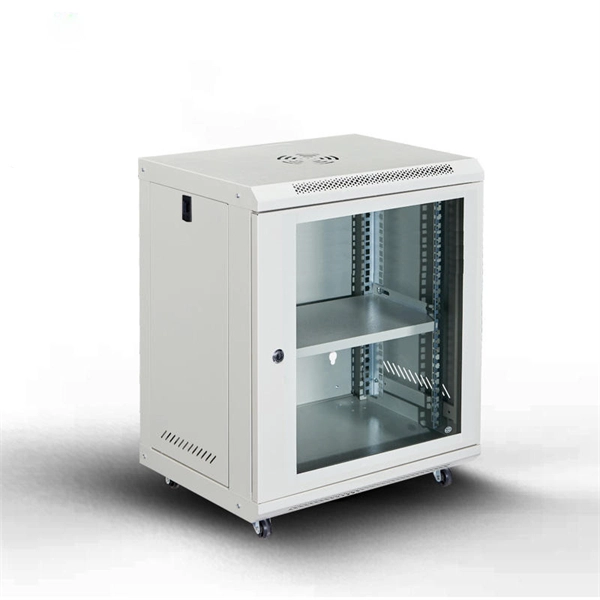
If you're asking how to choose hotel switches and sockets, focus on models designed specifically for commercial hospitality use, not standard residential units 1. These typically offer better longevity, vandal resistance, and centralized control compatibility. These systems let you decide who can access specific areas like guest rooms, staff zones, or storage areas. They replace traditional keys with more advanced options like cards, fingerprints, or mobile apps. Choosing the right door access control system doesn't have to be complicated. Here's how to. Hotel access control systems come in many varieties, but choosing the right one can be difficult. Finally, we will describe how to choose the right type of access control system for your hotel according. In real deployments-hotel rooms, dorm rooms, wards, apartments, small offices-the AP usually gets pinned by one of these: This guide is built around those constraints. What "wall-plate AP" actually changes? A wall-plate AP isn't "just a normal AP mounted lower. Finally, we will look at how you can decide upon the correct.
[PDF]
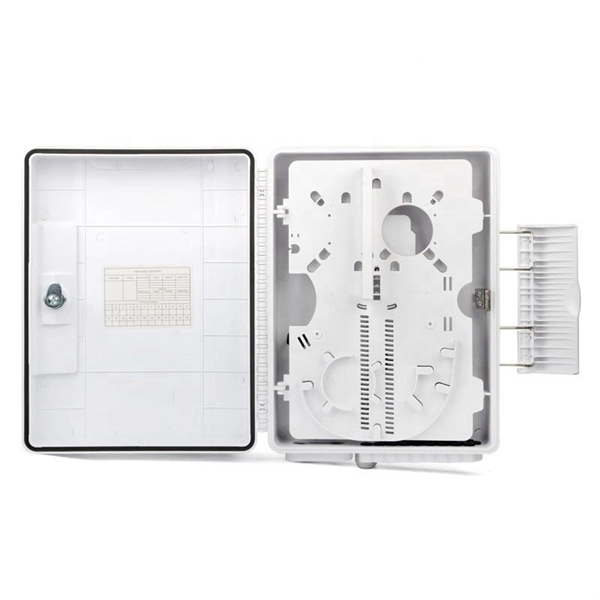
In Canadian service entrance panelboards the main switch or circuit breaker is located in a service box, a section of the enclosure separated from the rest of the panelboard, so that when the main switch or breaker is switched off no live parts are exposed when servicing the branch circuits.OverviewA distribution board (also known as panelboard, circuit breaker panel, breaker panel, electric panel, fuse box or DB box) is a component of an that divides an electrical power feed into subsidiary. North American distribution boards are generally housed in enclosures, with the positioned in two columns operable from the front. Some panelboards are provided with a door covering th. This picture shows the interior of a typical distribution panel in the United Kingdom. The three incoming phase wires connect to the busbars via a main switch in the centre of the panel. On each side of the panel are two.
[PDF]
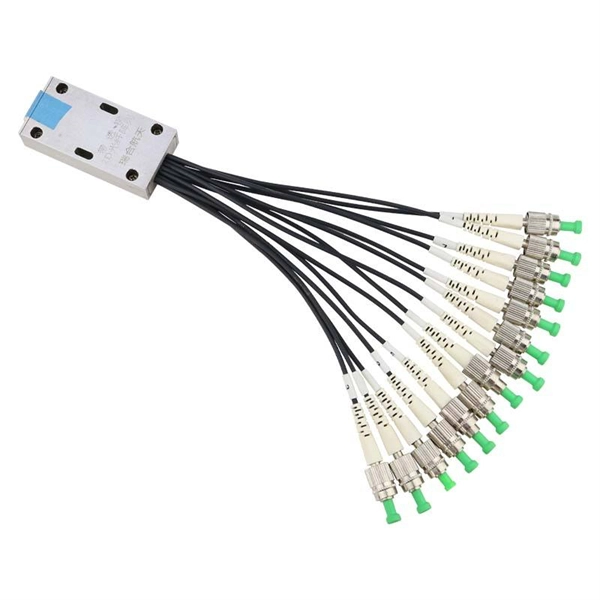
Our handheld enclosures are made of ABS plastic, which is strong, affordable, and offers good flammability ratings. Some enclosures come with components that are not ABS plastic, such as infrared lenses made of polycarbonate. The Gra. Our handheld enclosures are made of ABS plastic, which is strong, affordable, and offers good flammability ratings. Some enclosures come with components that are not ABS plastic, such as infrared lenses made of polycarbonate. The Grabber Style Kis an ABS enclosure with an optional rubber boot for a sure grip and impact resistance. ABS plastic is ea. Find handheld plastic enclosures (we also call them “grabbers”) ideal for housing remote controls, game controllers, key fobs. any electronic enclosure made to be held while in operation. Select from hundreds of models, with and without battery compartments. Many styles are pocket-sized and many accept belt clip accessories. Our enclosures enable. Any enclosure intended for the hands must be lightweight and ergonomically designed. For example, our Grabber Style O plastic enclosureis shaped to fit comfortably in the hand and has rounded corners and ribbed sides. Another advantage of handheld boxes is the option for batteries. Our Grabber Style J enclosureis an example of a box with a battery.
[PDF]
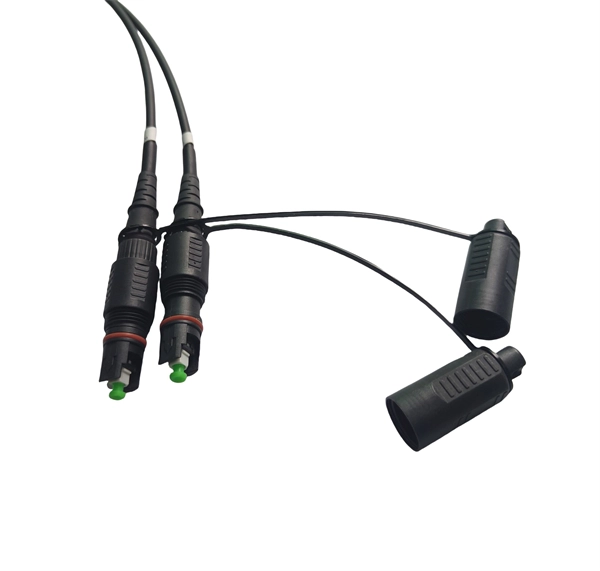
Most modern fiber-enabled network switches require an SFP transceiver module featuring a duplex (two strand) multimode OM3 or duplex single mode OS2 connection with LC connectors. Direct attach cables with pre-terminated SFP connections may also be used. Download the. In this article, we'll explain how to connect multiple Ethernet switches using fiber optic cables and the equipment required for this to work. Network topology refers to the way in which the links and nodes of a network are arranged in relation to each other. Download the Application PDF SFP transceiver. Choose an SFP module based on the fiber optic cabling that will be connected to the network switches. Always integrate duplex (two strand) fiber optic cabling or higher strand counts. So all PCs connected to each switch would reach the LAN/WAN from the other switch. The connection between two or more Ethernet switches in a certain way (Uplink port, etc. ) is called the cascade. Connecting a fiber optic switch involves several steps, ensuring compatibility between the switch's ports and the fiber optic cable. The process requires understanding the type of fiber optic port on your switch and selecting the appropriate transceiver module. Fiber optic switches utilize.
[PDF]