Setting up a KVM switch for dual monitors with both a laptop and a desktop is a straightforward and empowering experience. Now that I've guided you through the entire setup process, it's time for you to dive in and try it yourself. A KVM switch (with KVM being an abbreviation for "keyboard, video, and mouse") is a hardware device that allows a user to control multiple computers from one or more sets of keyboards, video monitors, and mouse. Switches to connect multiple computers to one or more peripherals have had multiple. A KVM switch allows you to use one set of peripherals to control multiple computers, making it easier to switch between them without having to unplug and plug in cables. There are different types of KVM. Desktop KVM switches are compact devices that allow a user to access two, four, eight, or 16 computers from a single user console eliminating the need for extra peripherals, while providing faster access to critical applications. This can be particularly beneficial when there is insufficient room for multiple monitors and keyboards, such as in a server room. So what you need is an HDMI Switcher box, like the one I have here, the name is AV Access 4K HDMI KVM Switcher and just like the name says, it allows you to switch from one device to another by the push of a button. And not only that, if you're using multiple computers or devices that use mouse and.
[PDF]
For each laptop, PC, or game console in the setup, you shall connect both their video out and USB port to the KVM switch. For each system, the ports are grouped and numbered. Put each cable in the rig.
[PDF]
The first step to finding the right KVM switch is taking inventory of what you'll use it with: specifically, the number of computers, monitors, and additional peripherals, such as a keyboard and mouse. Yo.
[PDF]
A KVM switch is built as a box in metal. For most designs, there are ports for the USB host, video inputs and outputs on the back panel, and a USB hub and switch buttons on the front panel. In simple terms, a KVM switch allows you to switch between different computer sources (or computer cases) while still using the same keyboard, monitor, and mouse; in fact, that's what KVM stands for: Keyboard, Video, Mouse. That means if you have several PCs you need to work with, you don't have to. KVM switch connects more than one PC with a single keyboard, monitor, and mouse. It enhances efficiency, saves your space, and brings down costs. This simple yet powerful device lets you control several computers using just one set of peripherals. In this article, we'll explore what is a KVM switch, its functionality, and its benefits for both work and gaming environments. We'll also provide tips on selecting the ideal KVM. A KVM switch (with KVM being an abbreviation for "keyboard, video, and mouse") is a hardware device that allows a user to control multiple computers from one or more sets of keyboards, video monitors, and mouse.
[PDF]
The SFP optical module is a standardized, modular assembly designed to be quickly installed or removed from a device's port without requiring the device to be powered down. This key feature—being hot-pluggable —is essential for simplifying network maintenance and minimizing downtime. SFP (Small Form-factor Pluggable) is a compact, hot-pluggable network interface module used to connect network devices (switches, routers, firewalls) to fiber optic or copper cables. It converts electrical signals into optical (or copper) signals and vice versa. An SFP transceiver acts as a compact, hot-swappable optical transceiver that. An SFP switch uses Small Form-Factor Pluggable (SFP) modules to form a network switch for high-speed connectivity between devices. These interchangeable modules support various media types, including copper or fiber-optic cables, providing flexible networking options based on specific requirements.
[PDF]
The IEEE standard for the base PoE switches is 802. 3at for PoE+, and 802. PoE and PoE+ transmit power over two pairs of twisted-pair wires in their cables, while the PoE++ variants use four pairs of twisted-pair wires. The splitter is the silver and black box in the middle between the wiring junction box (left) and the access point (right). The PoE connection eliminates the need for a nearby power outlet. In another common configuration, the access point or other connected device includes internal PoE splitting. Power over Ethernet (PoE) switches combine data and power delivery into a single Ethernet cable, simplifying deployment of devices such as access points, IP cameras, VoIP phones, and IoT equipment. PoE does not reduce network speed, does not waste excessive power when proper cabling standards are. Therefore, everyone is concerned about whether PoE switches will affect speed. Key Benefits of Power over. PoE switches (Type 1) comply with the IEEE 802. 3af standard, which specifies the maximum power delivered over Ethernet cables.
[PDF]
Cisco announces the end-of-sale and end-of-life dates for the Cisco Catalyst 1000 Series Switches. The last day to order the affected product (s) is April 30, 2025. Tax included. This item is a deferred, subscription, or recurring purchase. By continuing, I agree to the and authorize you to charge my payment method at the prices, frequency and dates listed on this page until my order is fulfilled or I cancel, if permitted. Customers with active service contracts will continue to receive support from the Cisco Technical Assistance Center (TAC) as shown in. Intuitive software interface for effortless network configuration and monitoring. 8 x 1G ports Energy efficient 2 x 10G ports The NETGEAR 10-Port Gigabit/10G Ethernet Plus Switch (GS110EMX) is a versatile and efficient networking solution featuring 8 x 1G and 2 x 10G ports, designed for seamless. Cash On Delivery. Delivery All Over Lebanon. A 24-port, Layer 3 switch capable of high-power PoE++ output. Flexible 10 Gigabit connectivity for SME and SMB environments. Packet Forwarding Rate Buy online D-Link 24-Port Gigabit Stackable Smart Managed Switch with 10G Uplinks |DGS-1510-28XMP at ayoubcomputers. AYOUB. Discover the TP-Link Switches collection, providing efficient networking solutions designed to enhance connectivity and streamline your network infrastructure. These switches deliver reliable performance and advanced features, making them ideal.
[PDF]
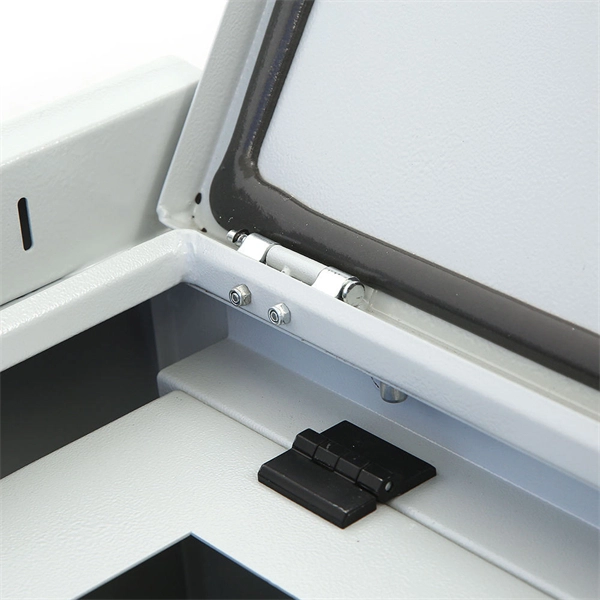
Customise your electrical equipment in a few clicks from our online configurator and generate a quote to make your project a reality. We create high-end electrical equipment from raw material. Made in France since 1976. Discover all the finishes of our collections in 3D and get your prescription. IGOTO supplies European light switches and wall socket to Fortune Global 500 brands, delivering certified, reliable solutions trusted across residential, commercial, and OEM markets. Explore our best-selling European light switches and electric plug sockets in Europe – modern design, multi-standard. With over 55,000 flex7 Lighting Distribution Boxes installed every year there's got to be a reason they're such a popular choice. Every product in our vast range is carefully designed to ensure that it provides the best experience for the user. Our Lighting Distribution Boxes are by no means an. European, British, International Flush Mount Plastic Electrical Wall Box, 35mm deep. Flush Mounts Single Outlets & Switches in Sheet Rock Walls or 1/4"-7/8" Thick Panels. The range of applications extends from pure energy distribution in buildings to building automation and through to industrial plants. SMART DISTRIBUTION BOXES FOR FLEXIBLE BUILDINGS. These switches are designed to meet strict safety standards, including compliance with IEC (International Electrotechnical Commission) regulations and CE.
[PDF]
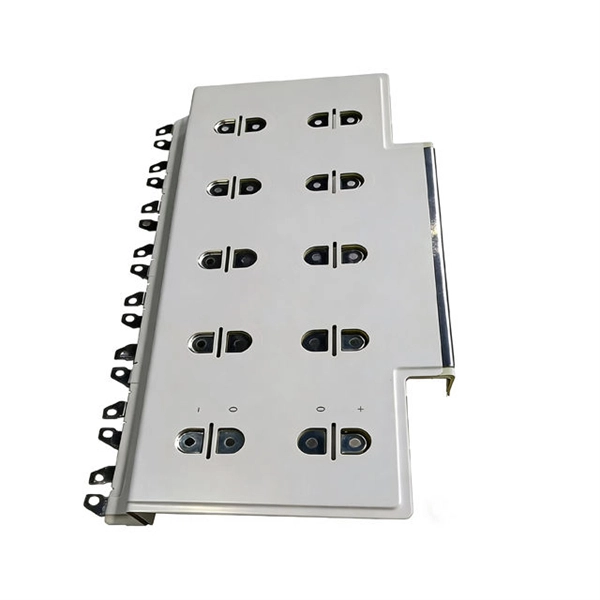
Quick Answer: To check CPU utilization on a Cisco switch, use the command “show processes cpu” in the CLI. This displays current CPU load, CPU usage history, and process-specific details, aiding in network performance troubleshooting. The CPU becomes too busy when either an IOS process consumes too much CPU time or the CPU receives too many packets from the switching hardware. When either of these two CPU consumers requires the CPU resource to the detriment of the other, then the CPU is too busy. For instance the CPU is. High CPU utilization on Cisco switches can lead to degraded network performance, packet loss, and even switch failures. Identifying and troubleshooting the root cause of high CPU usage is essential for maintaining a healthy network. In this article. I noticed that after having VLANs, ClearPass, spanning tree, and all other settings configured, that CPU util was just sitting at or above 85% on all these switches. I updated firmware to the latest version on all of them, but that didn't help. Problem analysis process 1. According to the switch logs, after searching for related processes, we can find that the. my switch core has high CPU usage every 3 minutes, switch logs attached. Do the outages/CPU spikes occur at the same time as the log entries appear such as : 00828 lldp:. Thank you, Fix the problem indicated.
[PDF]
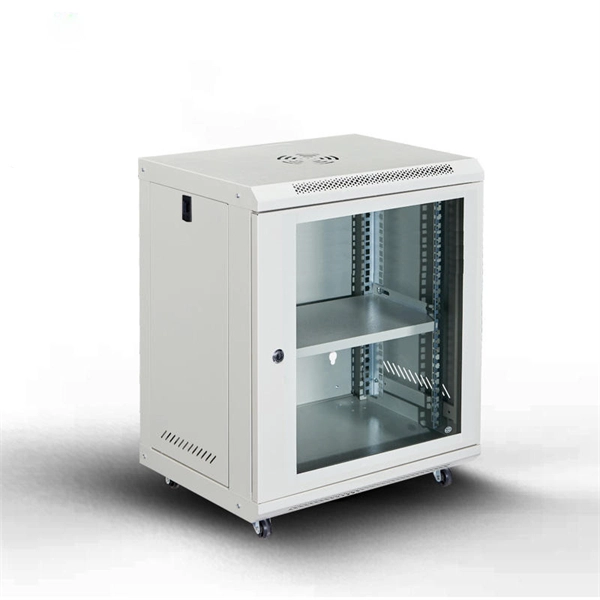
If you're asking how to choose hotel switches and sockets, focus on models designed specifically for commercial hospitality use, not standard residential units 1. These typically offer better longevity, vandal resistance, and centralized control compatibility. These systems let you decide who can access specific areas like guest rooms, staff zones, or storage areas. They replace traditional keys with more advanced options like cards, fingerprints, or mobile apps. Choosing the right door access control system doesn't have to be complicated. Here's how to. Hotel access control systems come in many varieties, but choosing the right one can be difficult. Finally, we will describe how to choose the right type of access control system for your hotel according. In real deployments-hotel rooms, dorm rooms, wards, apartments, small offices-the AP usually gets pinned by one of these: This guide is built around those constraints. What "wall-plate AP" actually changes? A wall-plate AP isn't "just a normal AP mounted lower. Finally, we will look at how you can decide upon the correct.
[PDF]
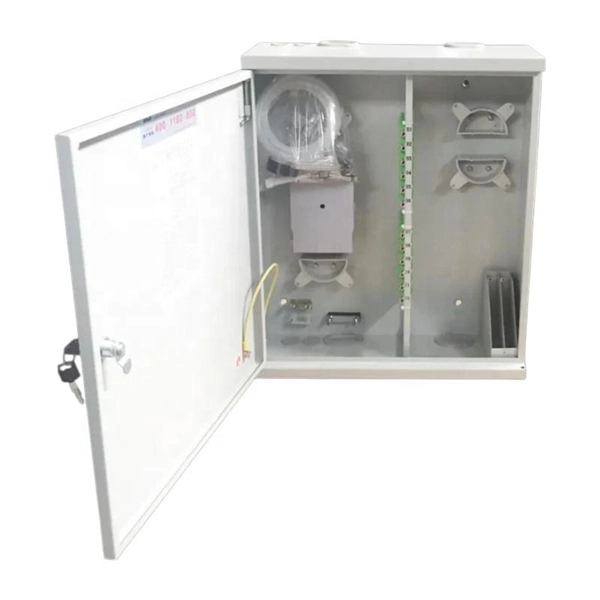
The number of core switch ports is large, usually modular, and can be freely matched with optical ports and Gigabit Ethernet ports. The general core switches are Layer 3 switches, and various advanced network protocols such as routing protocol/ACL/QoS/load balancing can. Does every network need a core switch? Can a router be used instead of a core switch? How do I determine the bandwidth requirements for my core switch? What security features should I look for in a core switch? How often should I update the firmware on my core switch? What are the key performance. Home / Ethernet Switch / Do I need a core switch? The simple answer is “yes. ” Every complex network comprises multiple computers and devices. To route the traffic and improve the performance of the network, you must have a proper mechanism. What would you employ to simplify the network? The core. ● Up to 28 native nonblocking 40/100 Gigabit Ethernet QSFP28 ports. 3-GHz x86 CPU with 8 cores and 32 GB of DDR4 memory. ● Up to 960 GB of SSD. rity to ensure guests and property peaceful and safe. Our solutions provide stable and continu arge commercial buildings host many separate entities. The primary function is to access user data or aggregate some switch data at the access layer. This kind of switch can configure Vlan simple routing protocol and some simple. The number of conventional switch ports is generally 24-48.
[PDF]
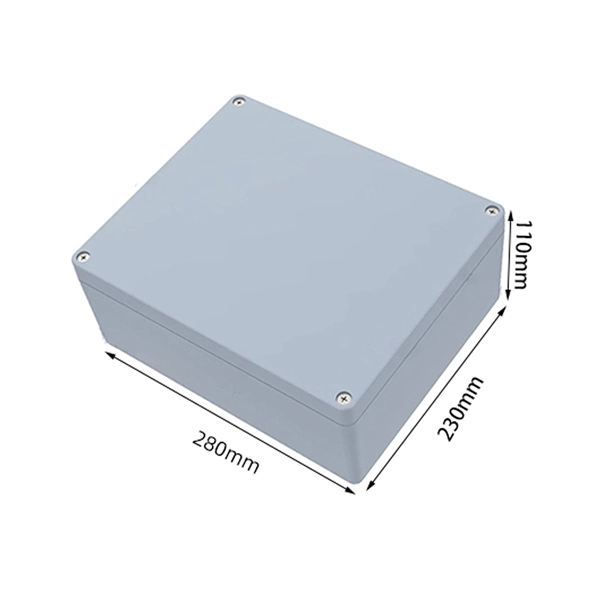
Optical transceivers are crucial components for network switches, enabling them to connect to fiber optic networks and transfer data at high speeds. The common use is to convert the electrical signal in the twisted pair into an optical signal. It is generally used in Ethernet copper cables that cannot be covered and optical fibers must be used to extend the transmission. Optical transceiver is a very cost effective and flexible device that is commonly used to convert electrical signals in twisted pair cables to optical signals. An SFP transceiver integrates both transmitting and receiving functions into a compact, standardized module, enabling seamless conversion between electrical and optical signals. Its flexibility supports a broad range of applications—from short-reach enterprise connections to long-haul single-mode. SFP (Small Form-factor Pluggable) is a compact, hot-pluggable network interface module used to connect network devices (switches, routers, firewalls) to fiber optic or copper cables.
[PDF]
In Canadian service entrance panelboards the main switch or circuit breaker is located in a service box, a section of the enclosure separated from the rest of the panelboard, so that when the main switch or breaker is switched off no live parts are exposed when servicing the branch circuits.OverviewA distribution board (also known as panelboard, circuit breaker panel, breaker panel, electric panel, fuse box or DB box) is a component of an that divides an electrical power feed into subsidiary. North American distribution boards are generally housed in enclosures, with the positioned in two columns operable from the front. Some panelboards are provided with a door covering th. This picture shows the interior of a typical distribution panel in the United Kingdom. The three incoming phase wires connect to the busbars via a main switch in the centre of the panel. On each side of the panel are two.
[PDF]
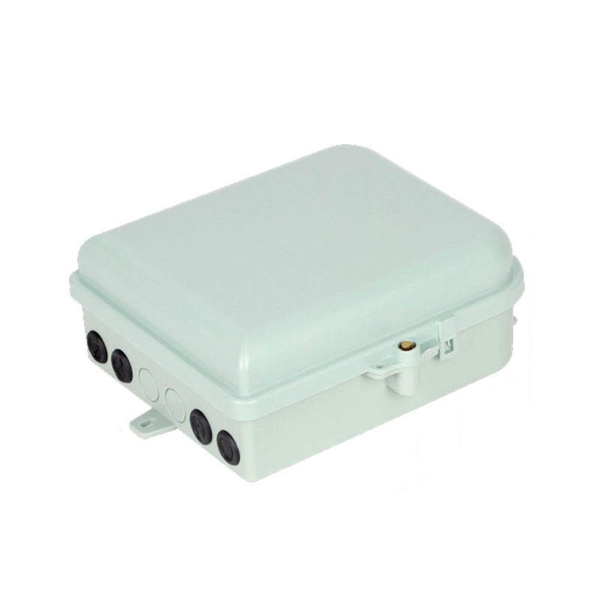
Learn how to install a centered light switch or outlet in the middle of a 2-gang electrical box to provide extra room for bulky wiring. Use the links to find. An electrical box cover serves a dual function in any residential or commercial setting, whether for a junction box, switch, or outlet. This plate provides a barrier to protect the delicate wiring connections within the electrical box from damage and debris. Simultaneously, it conceals the. In this guide, we'll break down everything you need to know to install a distribution box correctly and confidently. Choose the right box based on environment (indoor/outdoor), load capacity, and durability. Check for proper IP/NEMA ratings and material quality. Ensure safe placement: install in. The new junction box and exposed work cover for the electrical outlet and light switch are prewired before installing in the attic. Use the links to find the correct solution: 1 Gang. Choosing and installing a light switch box cover is a simple, five-minute DIY project that instantly upgrades a room's appearance. It primarily involves turning off the power, removing two screws, and attaching the new plate. A switch box is a crucial component of any electrical system, allowing you to control the flow of electricity to various devices or lights.
[PDF]
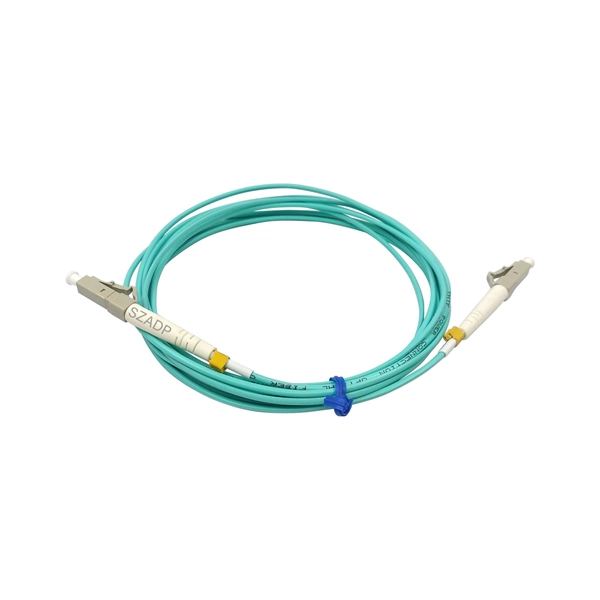
In this article, I'll walk you through the setup, configuration, and successful implementation of VLANs and trunking across multiple switches. Each department's devices are connected to their respective access ports on the switches. One switch can control them all, or any switch can be independently managed. No switch has to be. This chapter describes how to configure your network to perform IP Multilayer Switching (MLS). This chapter contains these sections: For a complete description of the commands in this chapter, refer to the the Cisco IOS Switching Services Command Reference. To locate documentation of other commands. Recently, I built a multi-switch VLAN network in Cisco Packet Tracer, connecting different departments while ensuring seamless communication within VLANs. Multiple switch ports can be configured for the same VLAN ID. In Dashboard, navigate to Switch > Configure > Switch Ports. Check the boxes next to each port to be updated. To save time use the ' interface range ' command. Be aware this command is only available on devices running IOS versions newer than 12. A managed switch offers greater control and flexibility compared to an unmanaged switch, allowing for advanced configurations and optimizations to meet specific networking requirements.
[PDF]