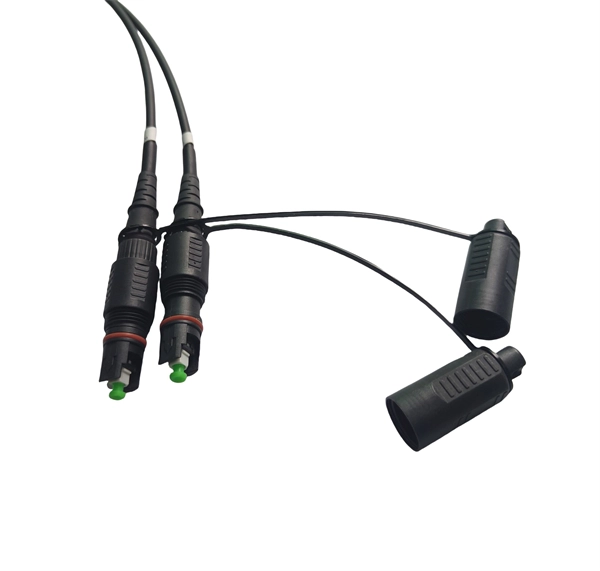
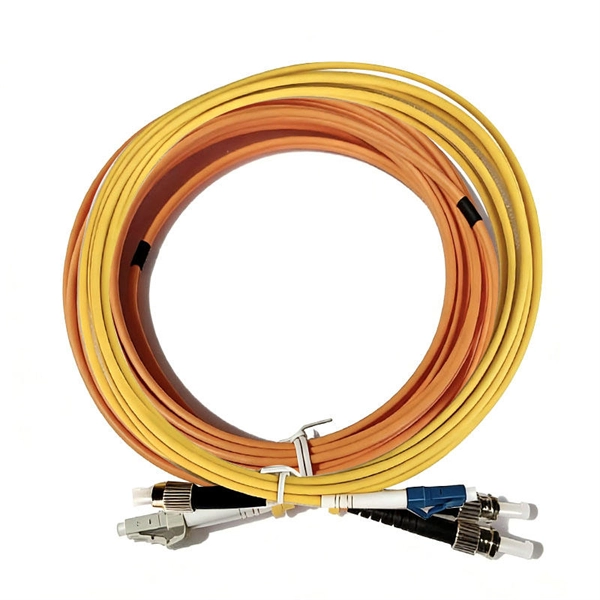
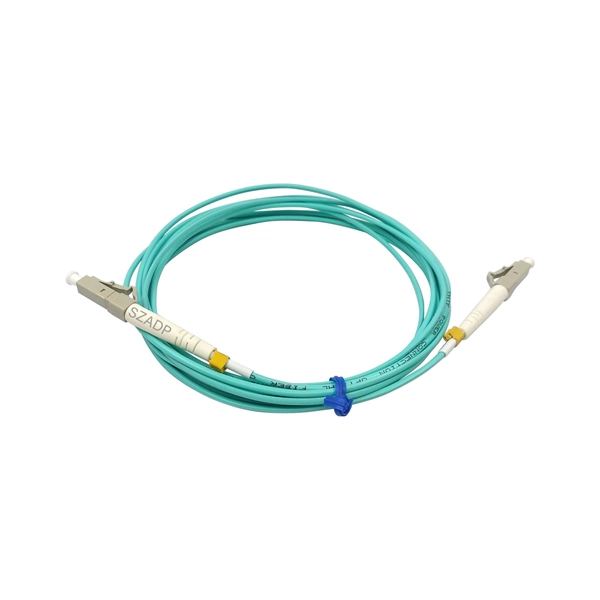
Most modern fiber-enabled network switches require an SFP transceiver module featuring a duplex (two strand) multimode OM3 or duplex single mode OS2 connection with LC connectors. Direct attach cables with pre-terminated SFP connections may also be used. Download the. In this article, we'll explain how to connect multiple Ethernet switches using fiber optic cables and the equipment required for this to work. Network topology refers to the way in which the links and nodes of a network are arranged in relation to each other. Download the Application PDF SFP transceiver. Choose an SFP module based on the fiber optic cabling that will be connected to the network switches. Always integrate duplex (two strand) fiber optic cabling or higher strand counts. So all PCs connected to each switch would reach the LAN/WAN from the other switch. The connection between two or more Ethernet switches in a certain way (Uplink port, etc. ) is called the cascade. Connecting a fiber optic switch involves several steps, ensuring compatibility between the switch's ports and the fiber optic cable. The process requires understanding the type of fiber optic port on your switch and selecting the appropriate transceiver module. Fiber optic switches utilize.
[PDF]
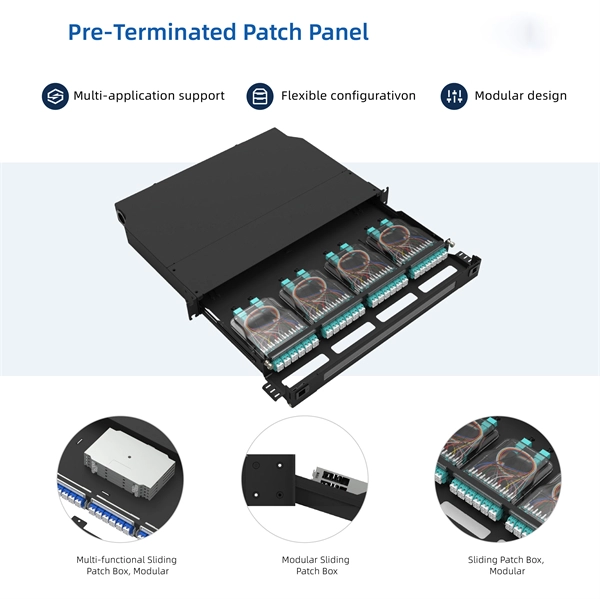
Typically, core switches are Layer 3 switches equipped with robust network management capabilities. They are characterized by numerous ports and high bandwidth, offering greater reliability, redundancy, throughput, and lower latency compared to access and aggregation switches. Engineered to aggregate massive volumes of data from distribution switches, it provides ultra-low latency and maximum throughput to ensure uninterrupted routing and packet. A core switch is a high-capacity network switch that functions as a network's backbone or core layer. It's responsible for accurately routing communication among layers and departments of different sections. In a nutshell, it helps convey vast chunks of data at greater speeds. For a network with. Layer 3 switches are key tools in modern networking, improving both efficiency and flexibility for enterprise networks. Examples include Cisco Catalyst 9300, Ubiquiti UniFi Enterprise XG 24, Juniper EX Series, and FS N5850. These devices enhance performance and security by routing internally at.
[PDF]
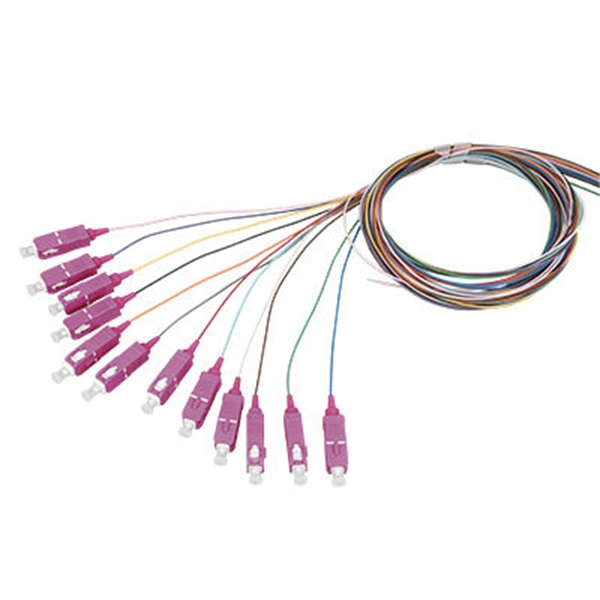
The mlxlink tool is used to check and debug link status and issues related to them. In order for mlxlink to function properly, make sure to update the firmware version to the latest. In this context, PHY can be understood as an optical module. When testing PRBS, there are 3 test nodes: MAC ----> PHY, PHY -----> MAC, and PHY ----- PHY. Signal testing can be performed through these 3 different nodes. and detection in MAC testing. Example: For device N9200-64DC, test ports. Qualcomm chips are now the core of high-speed optical modules for 5G networks, data centers, and enterprise interconnects. These modules leverage advanced signal processing, modulation, and high-speed interfaces to provide high bandwidth, low latency, and reliable performance. During use, reading optical module information helps understand its real-time operating status, enabling faster troubleshooting of link abnormalities. The following uses the. This article provides instructions on how to view the Optical Module Status on your switch through the Command Line Interface (CLI). The Cisco Small Business Series Switches allow you to plug in a Small Form-factor Pluggable (SFP) transceiver in their optical modules to connect fiber optic cables. mlxlink is. Could you please provide me some steps on how to enable ICMP debug on the 3850 to find the root cause of the problem? Thanks! Hello Eyad There are a couple of things that come to mind that may help you in your troubleshooting.
[PDF]
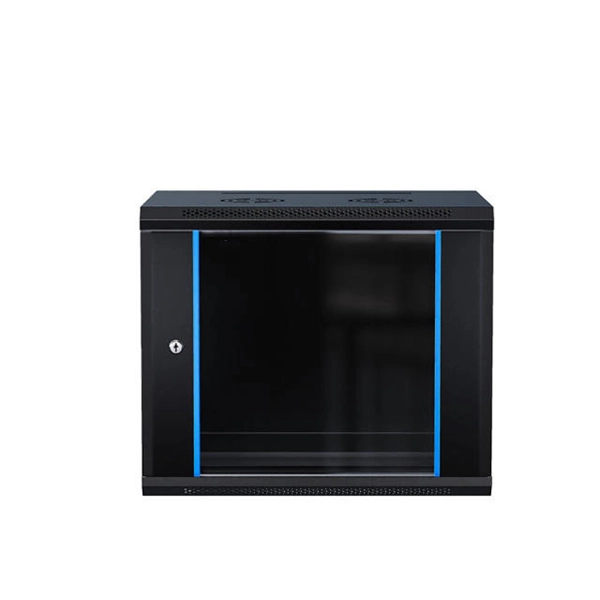
The IEEE standard for the base PoE switches is 802. 3at for PoE+, and 802. PoE and PoE+ transmit power over two pairs of twisted-pair wires in their cables, while the PoE++ variants use four pairs of twisted-pair wires. The splitter is the silver and black box in the middle between the wiring junction box (left) and the access point (right). The PoE connection eliminates the need for a nearby power outlet. In another common configuration, the access point or other connected device includes internal PoE splitting. Power over Ethernet (PoE) switches combine data and power delivery into a single Ethernet cable, simplifying deployment of devices such as access points, IP cameras, VoIP phones, and IoT equipment. PoE does not reduce network speed, does not waste excessive power when proper cabling standards are. Therefore, everyone is concerned about whether PoE switches will affect speed. Key Benefits of Power over. PoE switches (Type 1) comply with the IEEE 802. 3af standard, which specifies the maximum power delivered over Ethernet cables.
[PDF]
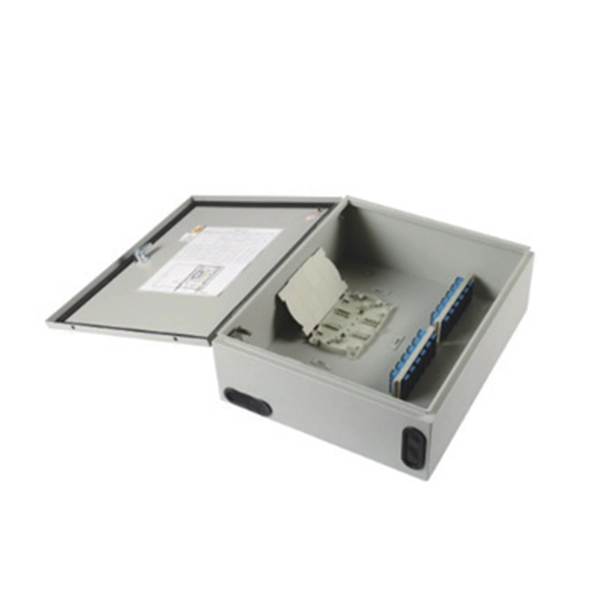
The core switch functions as the central point of the entire network, forming the high-speed backbone for the organization's data infrastructure. Its primary purpose is to provide an optimized and reliable transmission structure for all aggregated data traffic. Simply put, it's the kingpin that keeps your network humming. You may also want to know: Can a Nintendo Switch Play DS Games? ·. A network switch connects multiple devices within a local area network (LAN) and directs data packets only to their intended destination. In large organizations, networks become complex, exchanging massive amounts of data. The core switch is the most important piece of hardware in this. A core switch is a high-capacity, high-performance Layer 3 switch positioned at the physical backbone of an enterprise network. Engineered to aggregate massive volumes of data from distribution switches, it provides ultra-low latency and maximum throughput to ensure uninterrupted routing and packet. A core switch is a crucial component of a network infrastructure that serves as the backbone of a network. It's a high-performance switch that provides high-speed connectivity between different network segments, which may include access switches, distribution switches, and routers. These switches are high-capacity, usually handling the greatest amount of traffic compared to other switches in the network. They primarily focus on speed.
[PDF]
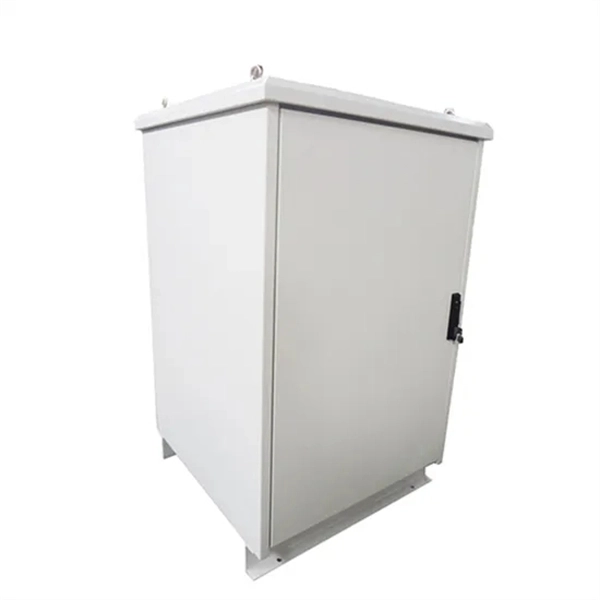
This guide delves into the essence of stackable switches, their advantages, and how to effectively manage and troubleshoot them. This table provides release and related information for the features explained in this article. These features are available in all the releases subsequent to the one they were. Cloud managed switching supports several types of switch stacking on select switch models. Switch stacking allows several switches to be managed as a single, larger switch which can forward traffic over dedicated stack links rather than front-side network links. In some cases, power redundancy. Among various configurations, the concept of switch stacking—particularly with Cisco switches —stands out as a robust solution for streamlining network management and enhancing performance. Stackable switches logically to become one switch. The major benefits of stacking. Yes., the core connects to distribution layer and distribution connects to access layer switches. For switch to be in HA, we need to do stacking right or Hsrp might work but for cisco catalyst switch there is no hsrp. For example, if you have five individual Cisco switches, the Switch Stacking allows you to use all of them as a single large switch.
[PDF]
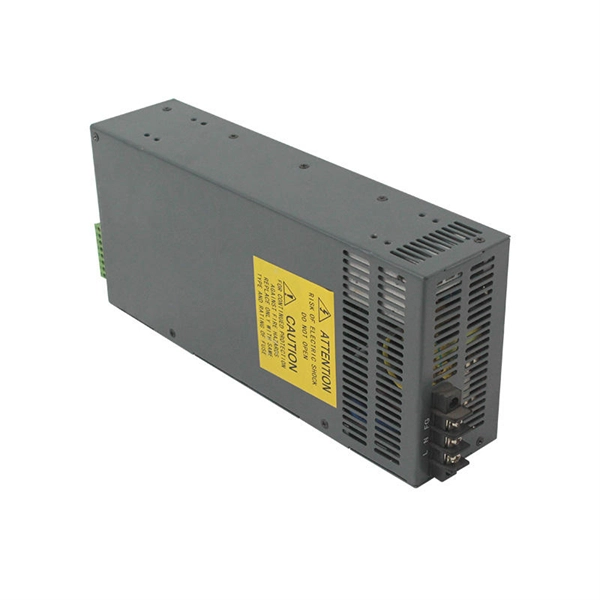
This guide will equip you with a systematic approach to diagnosing and resolving the most common optical link performance issues. By understanding the root causes, you can minimize downtime and ensure your network operates at its peak efficiency. When issues like signal loss, slow speeds, or intermittent connectivity arise, systematic troubleshooting is key. Why Do Fiber Networks Fail? Despite their robustness, fiber networks can fail due to:. This document describes how to troubleshoot fiber optic interfaces by addressing some of the fiber optic module and cabling specifications. There are no specific requirements for this document. The information in this document is based on all Catalyst 9000 Series switches. This includes Doppler. Fiber optic troubleshooting is an essential skill for network administrators, technicians, and engineers responsible for maintaining and repairing fiber optic systems. I switched to ATT fiber from Xfinity because usually fiber optic is faster. However I've had fiber optic for 2 days, and my gateway is constantly disconnecting from the network. I know the technician said something about. Optical fiber networks are essential for delivering high-speed internet and reliable communication. Despite their advanced technology, these networks can encounter problems that impact performance. Effective troubleshooting is crucial to maintaining a smooth and efficient network. This blog post.
[PDF]
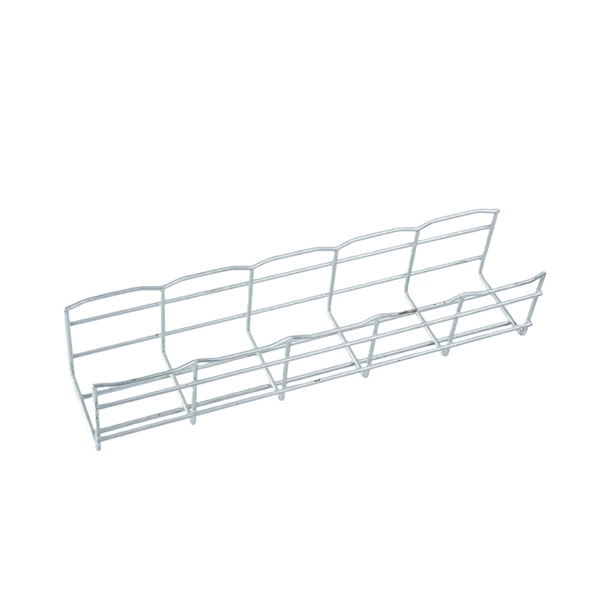
Frequent status changes from up to down or vice versa in the ports logged by the switch port syslog indicates a port flap. On a big industrial plant we've replaced an old HP switch with a brand new couple of C2960x switches in stack configuration and ever since then, every 6/8 hours or so, the two fiber optics links of switch #2 go down at once. These are connected to a ring of 3 similar other access switches, that. EX4650 2-switch virtual chassis, running version 19. 2, optic p/n 740-031981 (SFP+-10G-LR) is plugged into port xe-0/0/10 and connected to an ISP via single mode fiber. Nothing special is configured on the port, it is running at 10G speed, show interfaces diagnostics optics shows that it's. This article describes steps to diagnose the Continuous port flapping on a FortiSwitch. Verify Cable Connection: Ensure the cable is properly connected between the switch port and the end device. Run the command below on FortiSwitch multiple times and check the. Real head scratcher this morning that I'm hoping someone can help me with! The port on our core switch (HP A5500) that our Smoothwall box is connected to keeps going up and down. Port flapping, also known as link flapping, causes a switch port's state to fluctuate between up and down within concise periods of time. This instability caused by flapping ports affects network connectivity. Port flapping is a common network issue that can disrupt communication between devices and degrade overall network performance.
[PDF]
We demonstrated a fast polarization-insensitive optical switch on the 220-nm SOI platform with an insertion loss of 0. 79 dB and a response time of 52. 0 ns for TE0/TM0 mode at the 1550 nm wavelength. GLSUN's nanosecond optical switches are a class of high-speed optical devices capable of switching optical signals in the nanosecond range. 2 dB), fastest switching speed (10 ns), broadest wavelength range (300–2400 nm), widest fiber compatibility, highest optical power handling (50 W), and space-qualified reliability. Backed by over 25 years of. The nano-second speed PLZT optical switch subsystem is equipped with a MZ type PLZT switch module designed for 1550 nm wavelength range, single mode fiber ports, and a TTL controllable high-speed driver. Enclosure case mount option is available. *Dual switch: Two switches are integrated on a silgle. A family of low loss and high-speed switches. All specifications subject to change without notice. Need More Information?. W. Zhou, "Polarization-Insensitive Silicon Optical Switch with Nanosecond Switching Speed," in CLEO 2025, Technical Digest Series (Optica Publishing Group, 2025), paper AA120_5. The fact that optical DCNs rely on optical circuits of microsecond-scale durations makes nanosecond-precision time synchronization essential for the correct functi ning of routing on the network fabric. However, current studies on optical DCNs neglect the.
[PDF]
This document describes all the configuration commands of the device, including the command function, syntax, parameters, views, default level, usage guidelines, examples, and related commands. It can be used to gather data from Huawei switches, such as interface statistics, VLAN information, and system details. SNMPCheck: SNMPCheck is an. Huawei's comprehensive portfolio of products and solutions enables you to realize smooth digital transformation and rapid growth of virtualization, Big Data, and cloud services. Huawei switches already help customers achieve success in industries such as finance, Internet, retail, education. Huawei CloudEngine S5755-H series switches are high-quality gigabit access switches that provide 24 or 48 10/100/1000BASE-T downlink ports, four 25GE plus two 100GE uplink ports, and expansion card slots. By leveraging Huawei's unified software platform, CloudEngine S5755-H series creates a. They offer multiple models, such as those with twenty-four GE electrical ports, twenty-four GE optical/electrical hybrid ports, and forty-eight GE optical ports. These switches feature service processing capabilities.
[PDF]
Check the steps ① whether the user network card is disabled, ② check whether the network cable is normal with a network cable tester, ③ replace the optical modem LAN port or other ports of the router and switch to test whether normal. Fiber optic networks are celebrated for their speed and reliability, but even the best systems can encounter problems. When issues like signal loss, slow speeds, or intermittent connectivity arise, systematic troubleshooting is key. This guide will walk you through diagnosing and resolving common. We have a fibre run, SM, 650 meters, with Level1 dumb switches at each end, I get Link lights at both ends, but there's no network traffic. Switch A is on the router end, devices connected to this switch get DHCP leases and can browse the internet without issue. These high-speed, high-capacity communication networks are increasingly replacing copper cables, offering superior performance and. However, even the most advanced fiber-optic networks can encounter issues that disrupt performance. This comprehensive guide delves into the most common FTTH problems faced by users, providing detailed troubleshooting steps and real-world solutions. Whether you're a network engineer, IT manager, or service provider, understanding these challenges and how to address them is critical for maintaining high-performance, reliable.
[PDF]
Our handheld enclosures are made of ABS plastic, which is strong, affordable, and offers good flammability ratings. Some enclosures come with components that are not ABS plastic, such as infrared lenses made of polycarbonate. The Gra. Our handheld enclosures are made of ABS plastic, which is strong, affordable, and offers good flammability ratings. Some enclosures come with components that are not ABS plastic, such as infrared lenses made of polycarbonate. The Grabber Style Kis an ABS enclosure with an optional rubber boot for a sure grip and impact resistance. ABS plastic is ea. Find handheld plastic enclosures (we also call them “grabbers”) ideal for housing remote controls, game controllers, key fobs. any electronic enclosure made to be held while in operation. Select from hundreds of models, with and without battery compartments. Many styles are pocket-sized and many accept belt clip accessories. Our enclosures enable. Any enclosure intended for the hands must be lightweight and ergonomically designed. For example, our Grabber Style O plastic enclosureis shaped to fit comfortably in the hand and has rounded corners and ribbed sides. Another advantage of handheld boxes is the option for batteries. Our Grabber Style J enclosureis an example of a box with a battery.
[PDF]
To replace an electrical switch, expect to spend about $80 to $120 on average. It's all relative, but $23k for a pair of core switches is cheap IMO. Cisco would try to charge A LOT MORE. I removed all. FI per port to connect to Nexus switches. 9Ghz, 6Core Broadwell DE CPU128GSSD,32GDRAM REMANUFACTURED. Check CORE SWITCH price from the latest Cisco price list 2022. Our core switches are EOL and have been for a long time. I need 5 core switches for $15,000 for a mid-size organization with multiple locations. Suggestions? Want to add to the discussion? Post a comment! [–] bitslammer Infosec/GRC 21 points [–] Sr. Sysadmin How many ports? What kinds of ports? L2. Unlock exclusive savings on 5/9/26 at 9am PT. Did You Find It? Save this search Request a server item Cisco Catalyst 9200CX-8P-2E Compact Switch, 8-Port PoE+, 240W, Network Essentials. MikroTik CRS504-4XQ-IN Cloud Router Switch 650MHz 4xQSFP28 Compatible with 40G. There are no specific requirements for this document. The information in this document was created from the devices in a specific lab environment. it's an old 3560 catalyst with a pretty basic configuration.
[PDF]
In this article, I'll walk you through the setup, configuration, and successful implementation of VLANs and trunking across multiple switches. Each department's devices are connected to their respective access ports on the switches. One switch can control them all, or any switch can be independently managed. No switch has to be. This chapter describes how to configure your network to perform IP Multilayer Switching (MLS). This chapter contains these sections: For a complete description of the commands in this chapter, refer to the the Cisco IOS Switching Services Command Reference. To locate documentation of other commands. Recently, I built a multi-switch VLAN network in Cisco Packet Tracer, connecting different departments while ensuring seamless communication within VLANs. Multiple switch ports can be configured for the same VLAN ID. In Dashboard, navigate to Switch > Configure > Switch Ports. Check the boxes next to each port to be updated. To save time use the ' interface range ' command. Be aware this command is only available on devices running IOS versions newer than 12. A managed switch offers greater control and flexibility compared to an unmanaged switch, allowing for advanced configurations and optimizations to meet specific networking requirements.
[PDF]
The main switch, or main breaker, controls the entire electrical supply to the distribution box. This large switch allows you to disconnect all power to the building during emergencies or maintenance work. It's typically rated for the maximum current capacity of the electrical. Isolation switches in distribution boxes ensure electrical safety by disconnecting circuits for maintenance, preventing shocks, aiding compliance, and improving system reliability. What Is an Isolation Switch? An isolation switch (also called an isolator or disconnector) is a device that separates. Messy distribution boxes are dangerous and very hard to fix. You will learn to build a safe, efficient, and professional electrical system today. Unlike circuit breakers that protect against overloads and short. As the main switch is separated from the whole distribution box, it can also be used as the power supply terminal (including bus bar) for the protection function of switching, and can also be used as the backup protection circuit of feeder. Switchboards typically have a maximum voltage rating of 600 Vac/Vdc and a. A distribution box, also known as a distribution board, electrical panel, or breaker box, is an enclosure that houses electrical components responsible for distributing electricity throughout a building. It receives power from the main electrical supply and divides it into separate circuits, each.
[PDF]